 DiscipleMakers HQ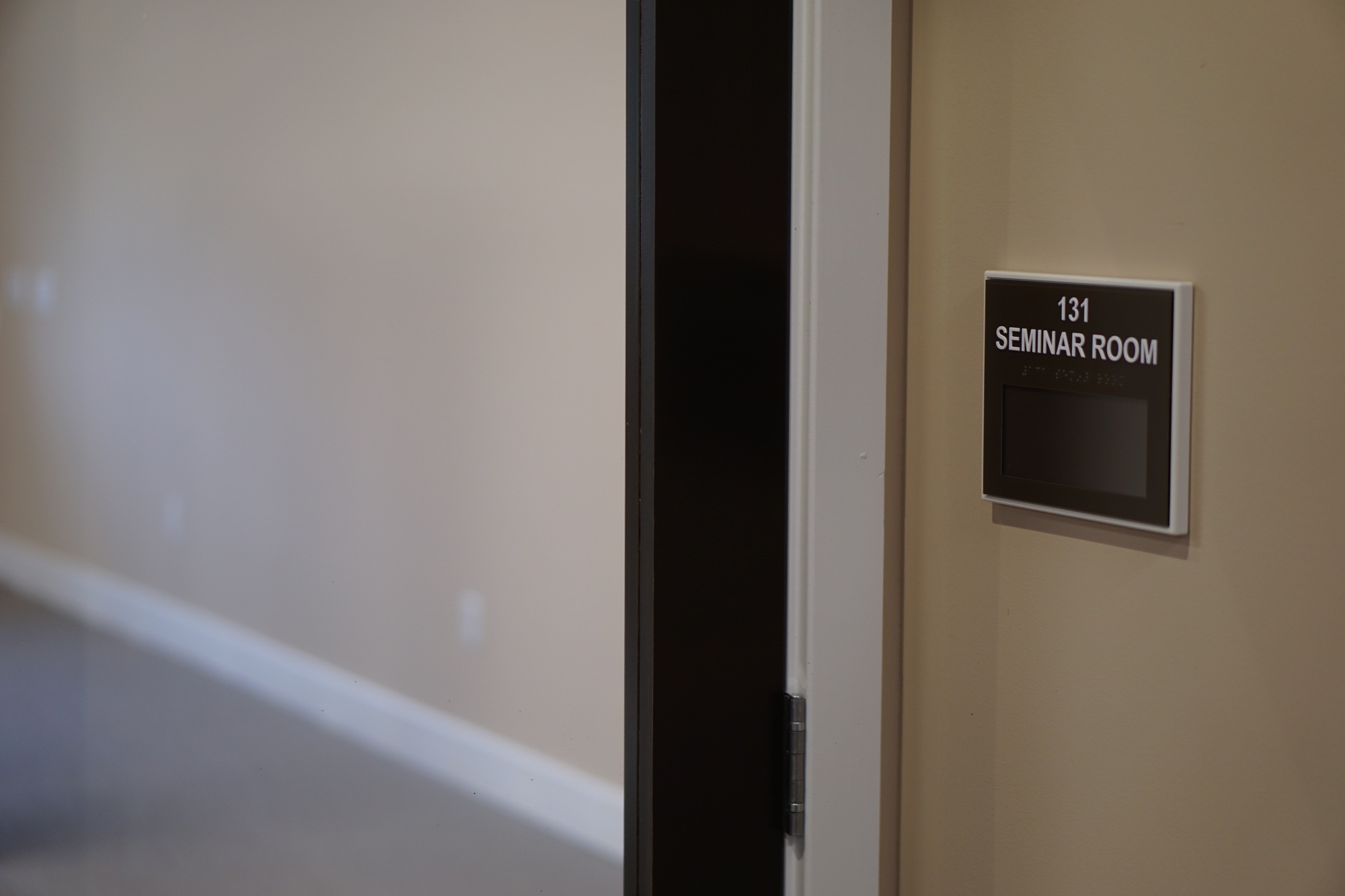
The Seminar Room is our biggest space — it comfortably handles anywhere from 15 to 30 people for trainings, classes, team gatherings and larger presentations.
Reserve the Seminar Room for your next event.
Set It Up However You Want
The room is deliberately flexible, and it's kept mostly empty so it can become whatever your event needs. The tables and chairs live in the room, so just move them into whatever arrangement works best — rows, a circle, small groups, or push it all aside and open up the floor.
There's no "correct" layout waiting to be restored, because the next person will rearrange it for their event exactly like you did. Just clean up after yourself: take out whatever you brought in, clear the trash, and leave the room ready for whoever's next.
A/V Equipment
The Seminar Room has a projector, a Chromecast, a sound board and microphones.
Projector & Chromecast
If all you need is to get something up on the screen, you're set. Press the power button on the projector itself — the Chromecast is already on and waiting — then cast to it from your laptop or phone. No setup, no checking anything out, nothing to arrange ahead of time.
Sound
Sound is the one part that isn't plug-and-play. Everything runs through the sound board, which takes a bit more know-how, and the same goes for the microphones.
If your event needs audio — whether that's sound from what you're casting or a mic for a speaker — get in touch with the Media department ahead of time rather than trying to sort it out the day of.
Need Help with A/V?
For anything beyond turning on the projector and casting, talk to the Media department: email info@dm.org, or ask Dan Hall or Tim Howden.