 DiscipleMakers HQ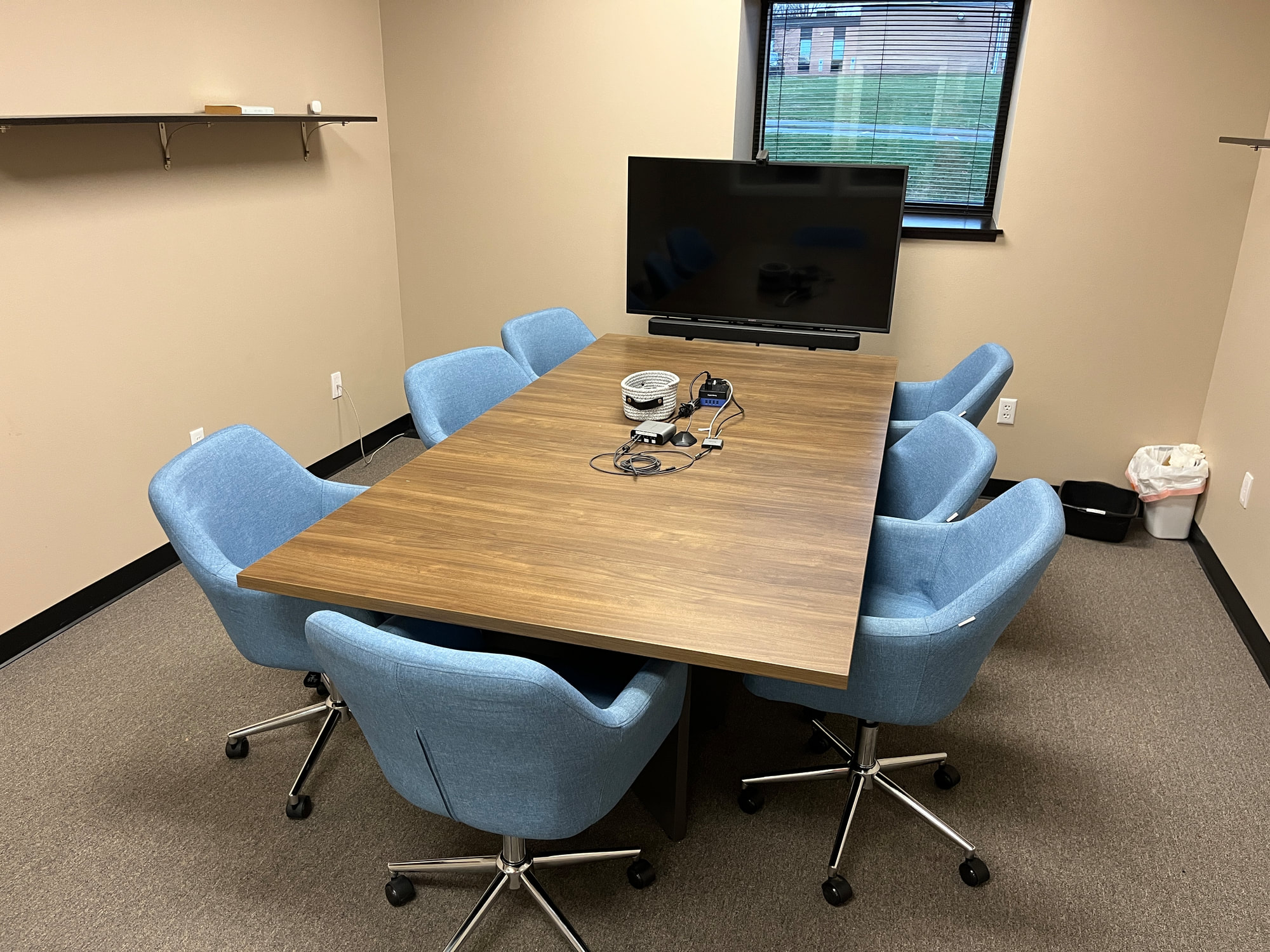
Huddle Room 102 is equipped with:
A Sony 50" Ultra HD 4K HDR display
Sound bar
Wide angle webcam
USB microphone with 360° room capture
Instructions
Just turn on the TV and plug the small USB dongle into your computer which will connect the TV, webcam and microphone.
In your online meeting software, here are the devices you'll want to select:
Mic: USB PnP Audio Device – This is a group mic that sits in the center of the table offering 360° sound.
Speaker: HDMI (SONY TV *00) – Sound will come out of the soundbar and volume can be controlled by the TV remote.
Camera: Huddle GO – The TV can pivot pretty significantly if you want to change the angle. But please leave the camera itself alone.
If you are using the room for a non-remote meeting, you can also just Cast or Airplay your computer onto the TV.