 DiscipleMakers HQ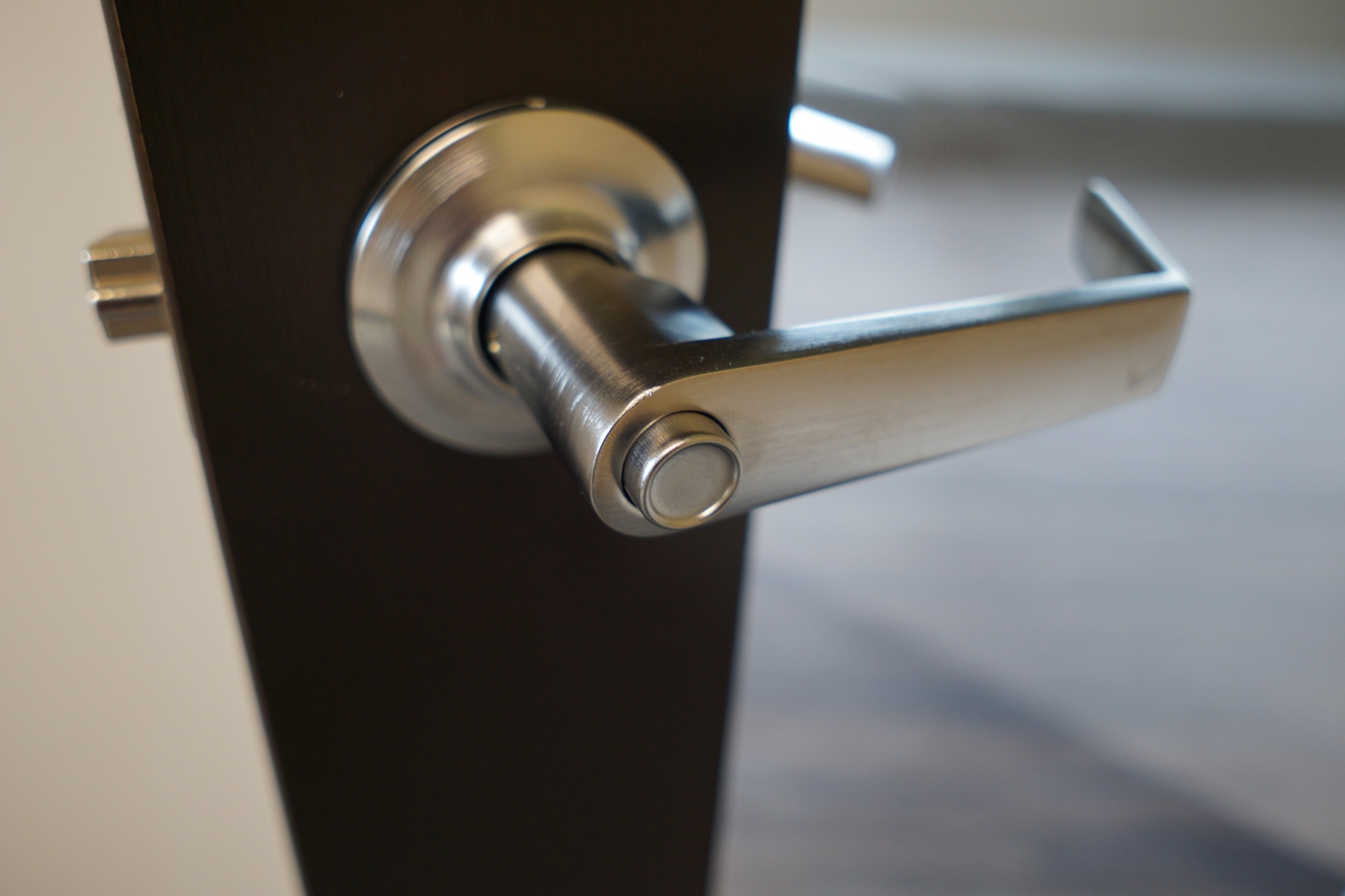
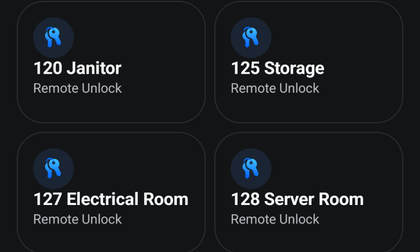
Some regular wooden doors can be unlocked electronically, mostly on the Public Side of the building. If you have access to a door, it will show up in the UniFi Endpoint app, listed by its room number. Think you should have access? Ask for it!
Here's the procedure:
1. Use the UniFi Endpoint app to temporarily unlock a door.
2. Then pull or push the door like you normally would but without turning the door handle.
Note: Some doors are a little sticky and may require a pull then a push, or a push then a pull.
To keep the door unlocked just turn the inside door handle to release the push button.
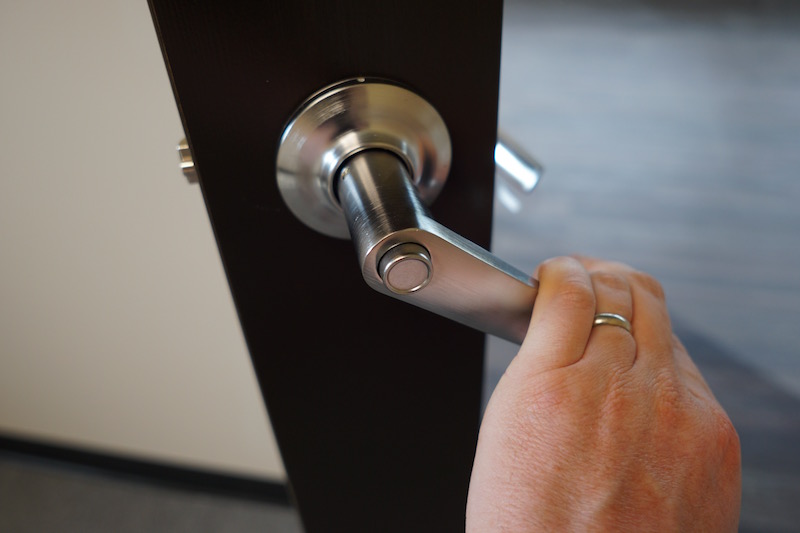
To lock a door, push the button on the door handle and close the door.