DiscipleMakers HQ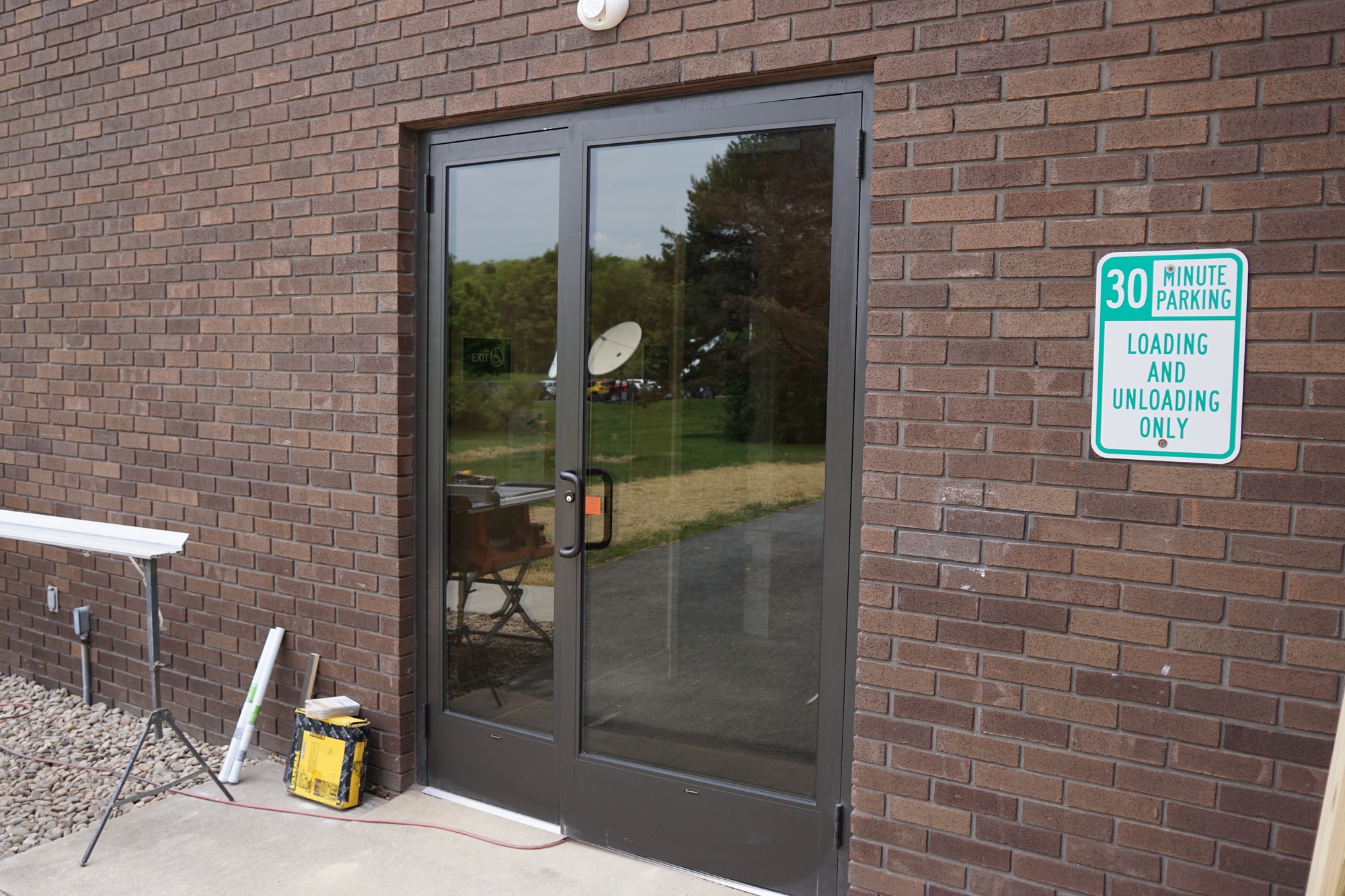
Entering via
Use the UniFi Endpoint app to temporarily unlock the Back Door.
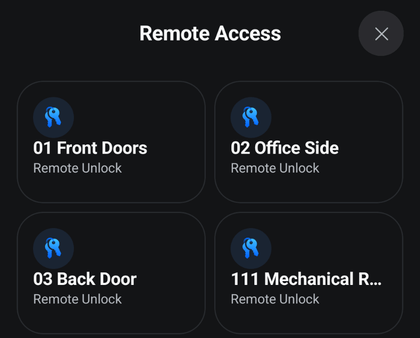
As you enter, the Back Door will relock behind you.
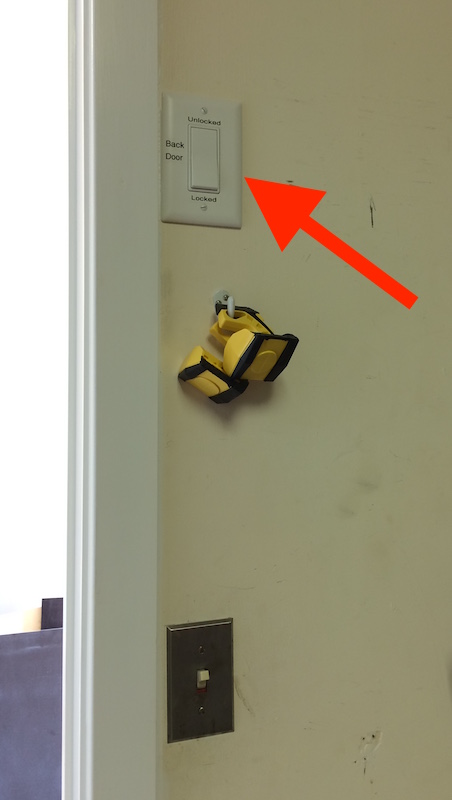
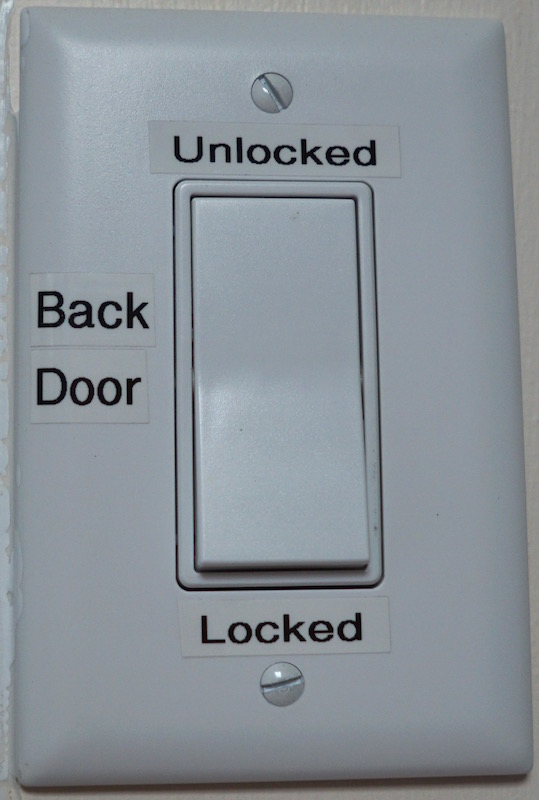
To keep the Back Door unlocked, flip the switch on the wall inside Room 127 (Electrical Room) above the light switch.
Extra Glass Panel
Yes, the narrow section of glass next to the Back Door does open!
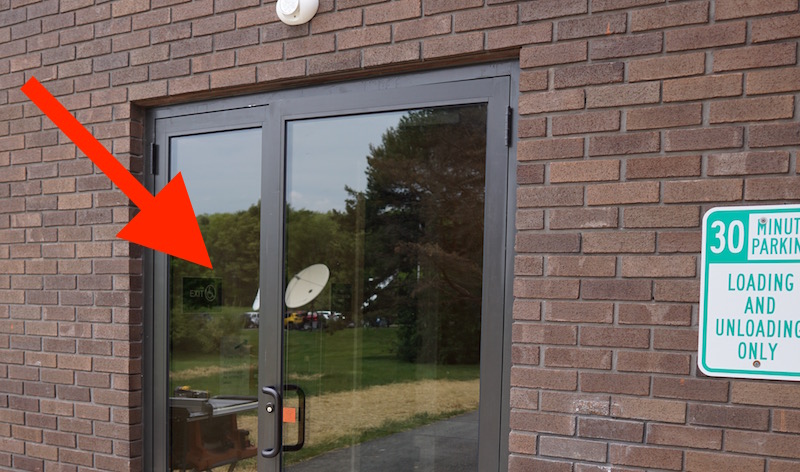
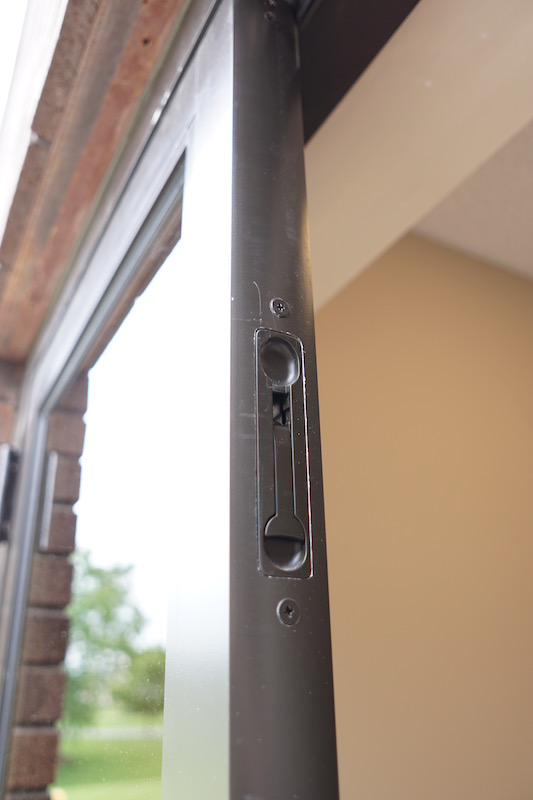
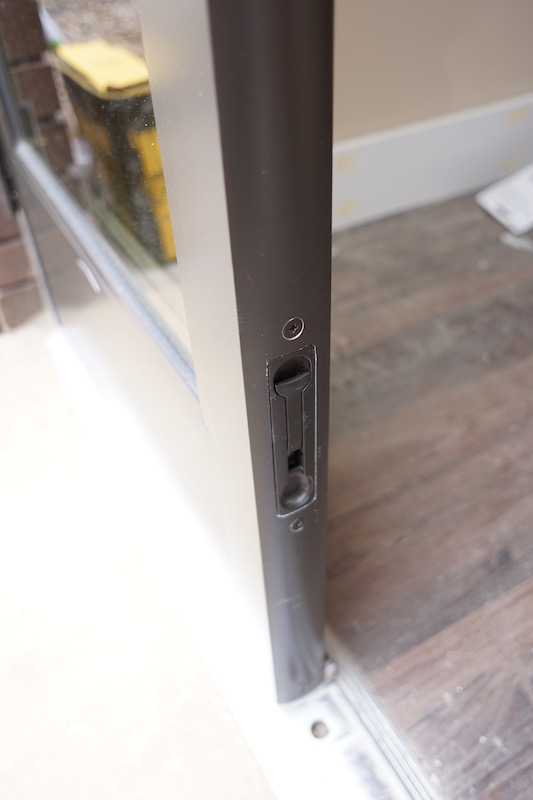
To open it, just pull open the Back Door, and then you’ll find flip latches on the side of extra glass panel (just like the old HQ front door for you old timers). Flip them both - top and bottom.