DiscipleMakers HQ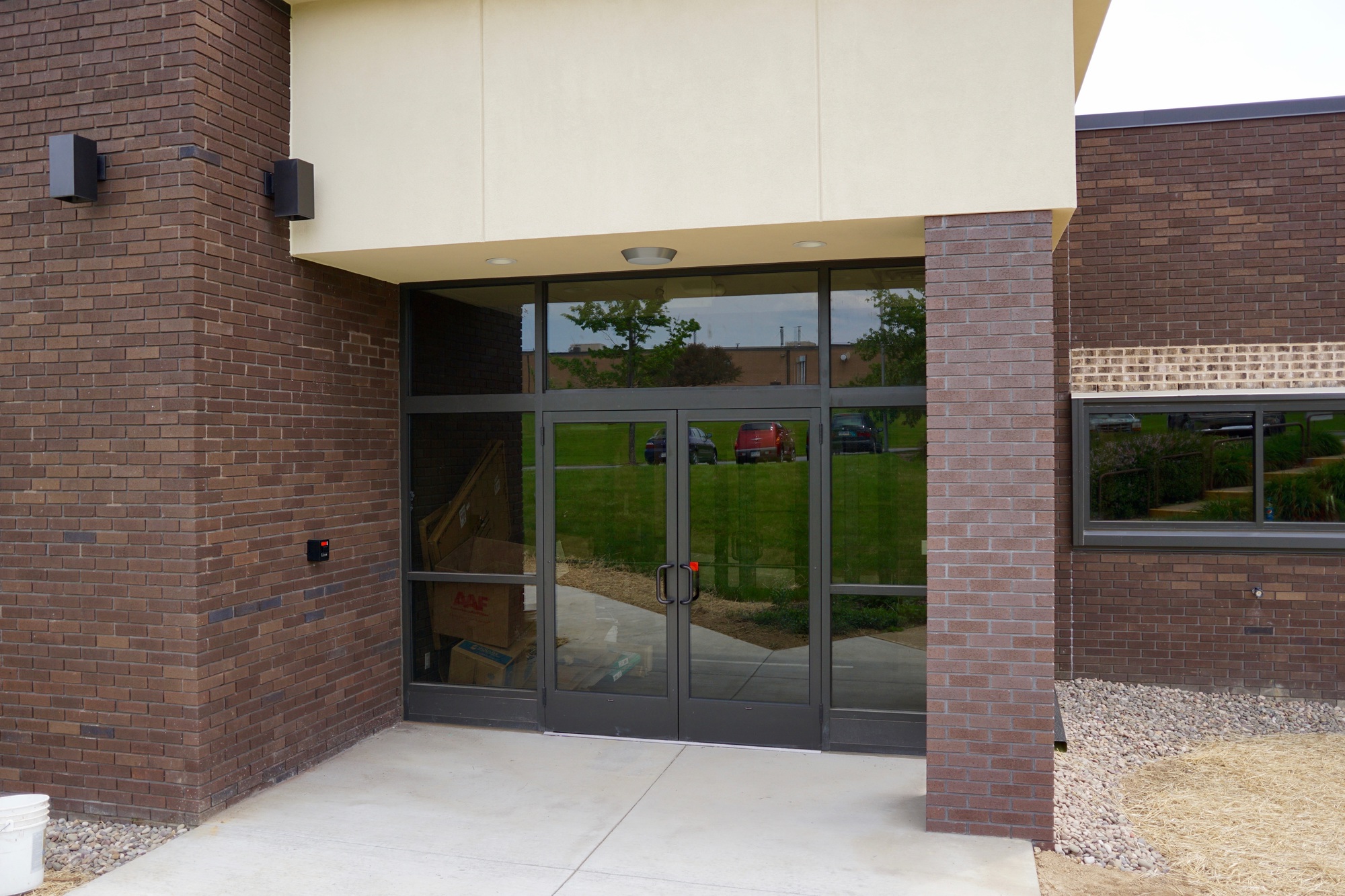
Front Doors
Use the UniFi Endpoint app to temporarily unlock the Front Doors.
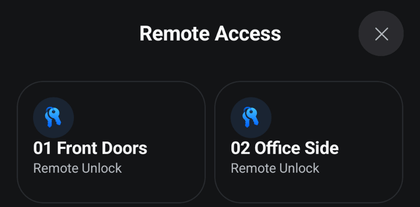
As you enter, the Front Doors will relock behind you.
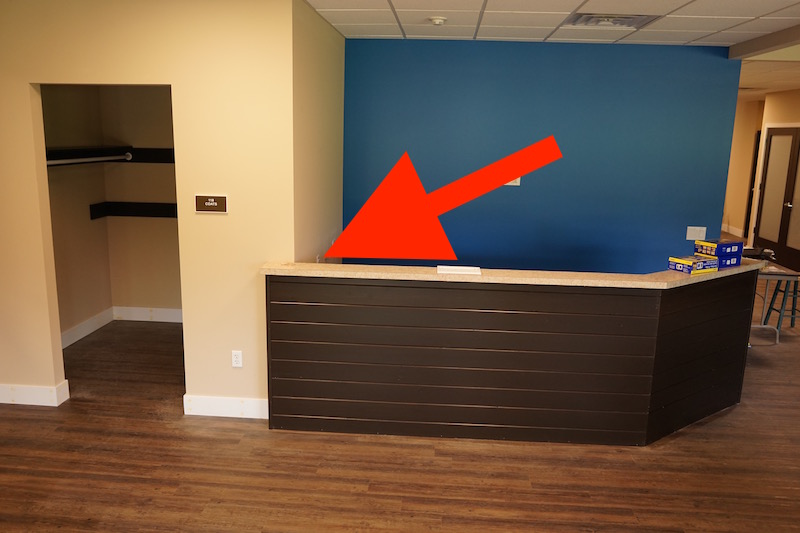
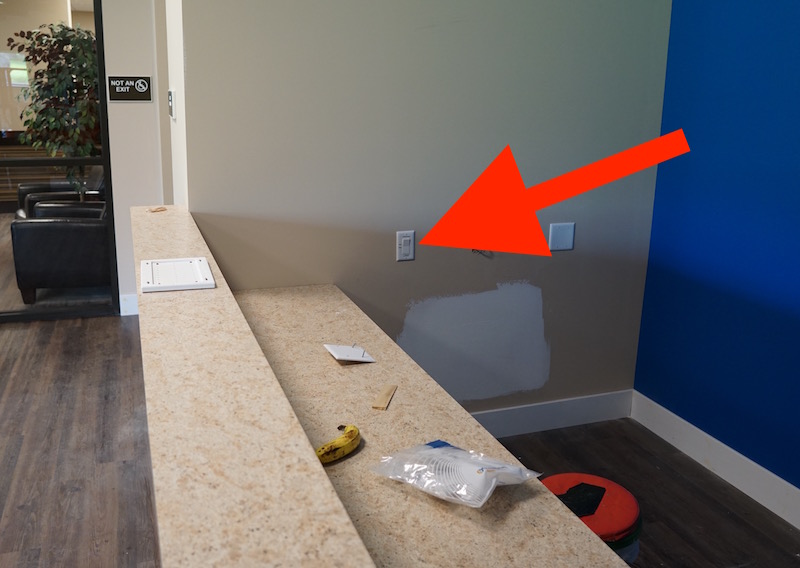
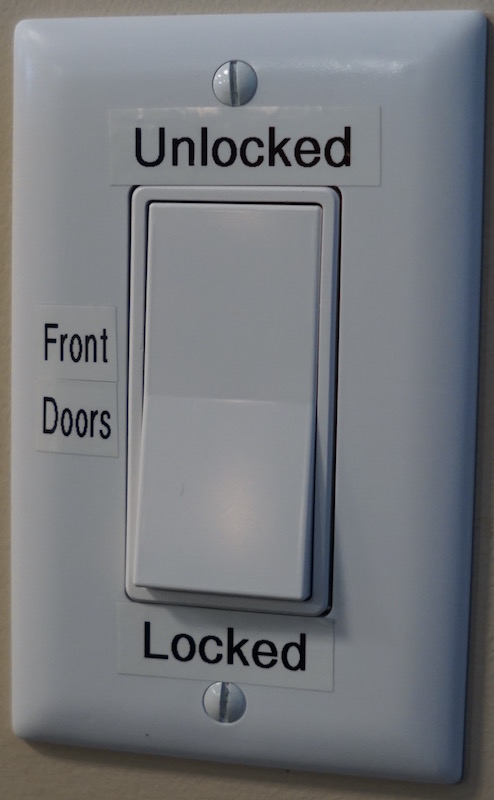
To keep the Front Doors unlocked, flip the switch behind the receptionist desk.
Office Side
- Use the UniFi Endpoint app to temporarily unlock the Office Side doors.
- As you enter, the Office Side doors will relock behind you.
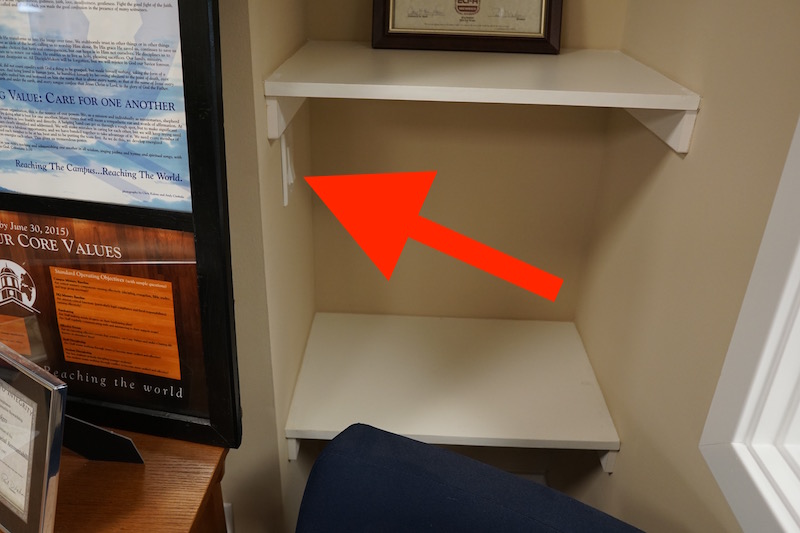
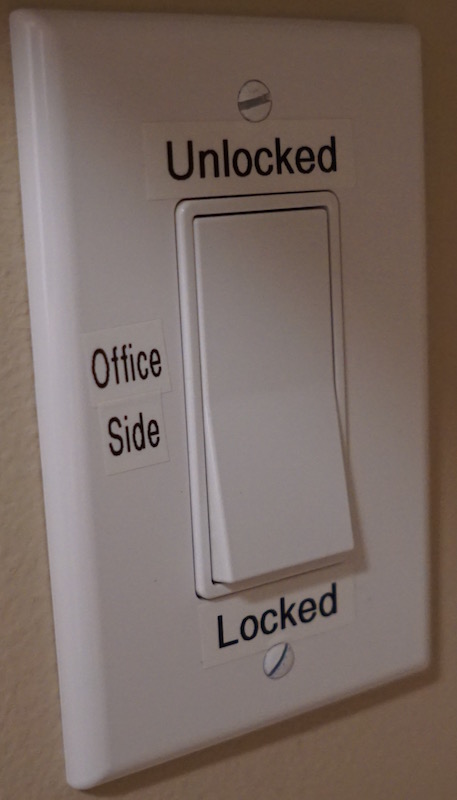
- To keep the Office Side doors unlocked, flip the switch in the shelving nook to the right of the doors.