 DiscipleMakers HQ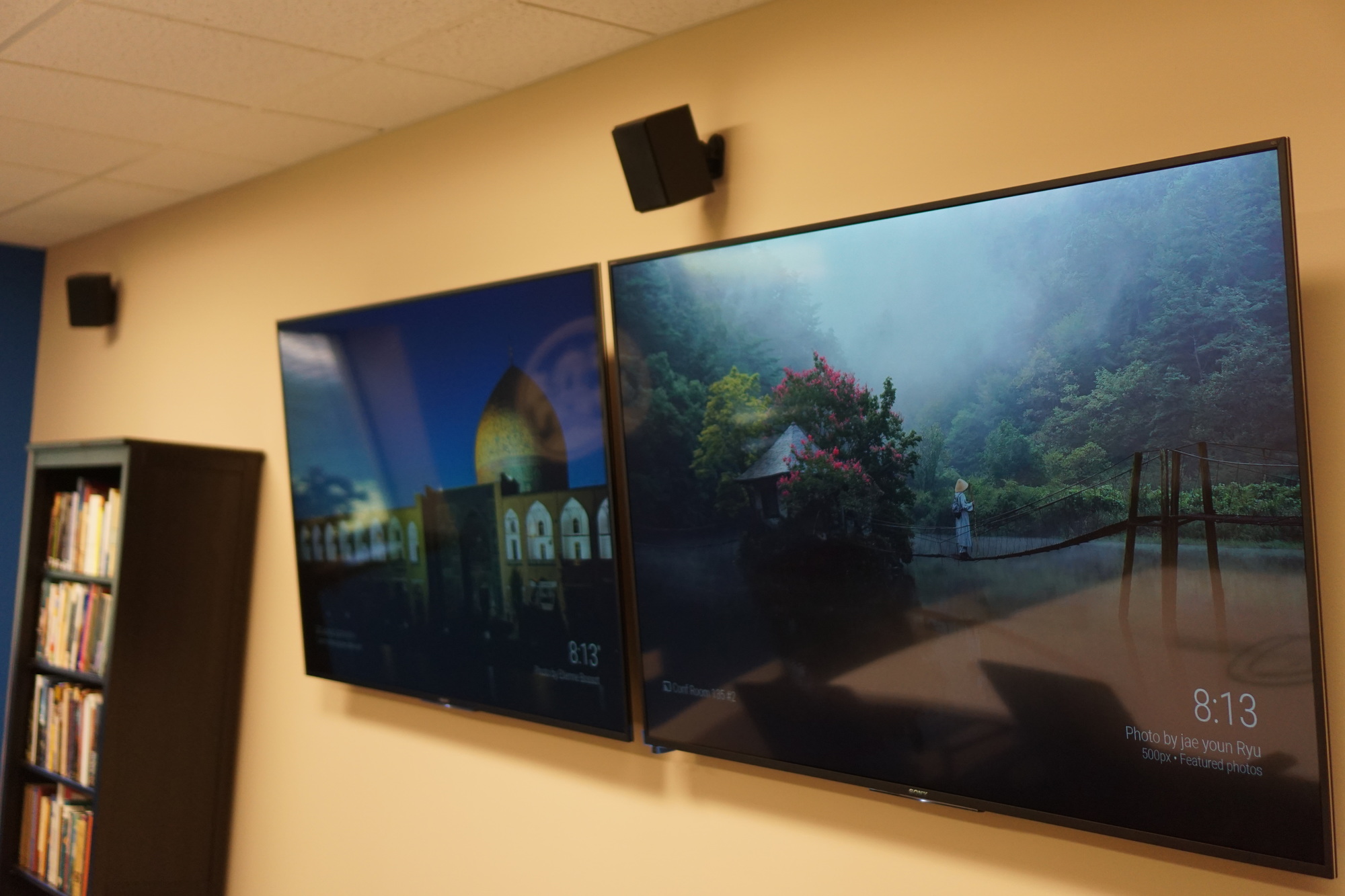
If you currently have something on the left TV display and you want the same thing also on the right TV display:
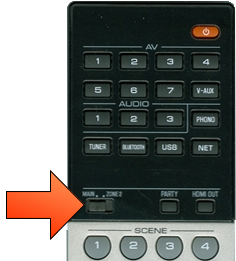
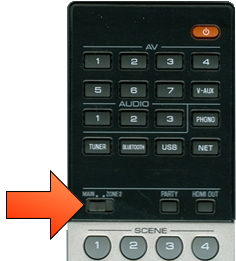
Set the switch on the Receiver remote to Zone 2.
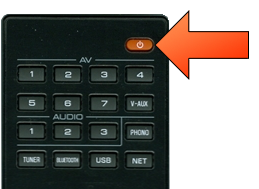
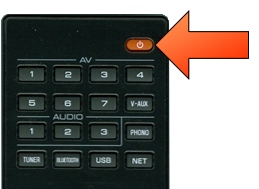
Press the Receiver remote's Power button in the upper right corner.
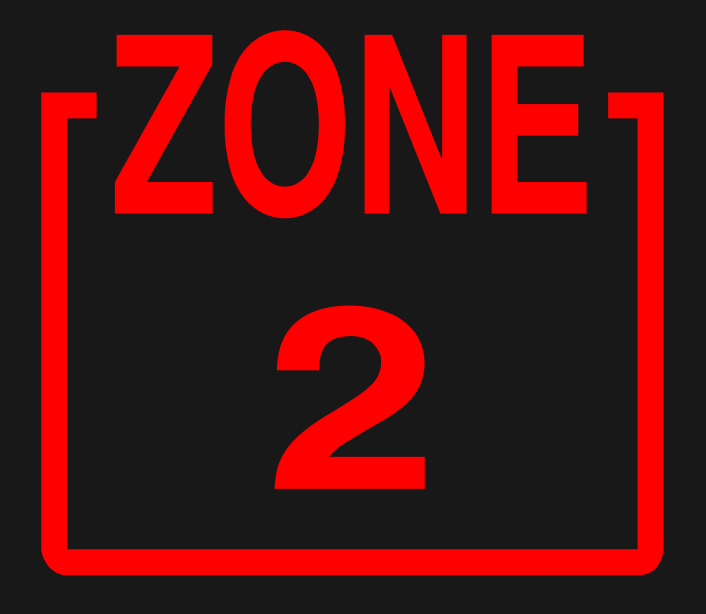
On the front of the Receiver in the A/V cabinet you should see the Zone 2 indicator light up.
Press the numbered AV button for the input that's currently showing on the left display, to tell the receiver that you also want to show that input on the right (Zone 2) display.
To control volume you must set the Receiver remote switch back to Main.
If you currently have something on the right TV display and you want the same thing also on the left TV display:
Set the switch on the Receiver remote to Main.
If the Main zone power isn't already on, press the Receiver remote's Power button in the upper right corner.
Press the numbered AV button for the input that's currently showing on the right display, to tell the receiver that you also want to show that input on the left (Main) display.